Blog features reference
A comprehensive reference for all blog features — images, code blocks, typography, and frontmatter options.
This post documents all the features available when writing blog posts. Use it as a reference when authoring new content.
Frontmatter fields
Every post starts with YAML frontmatter between --- fences. Available fields:
title(required) — the post title, shown on the index and as the page headingdate(required) — publication date inYYYY-MM-DDformatauthor— author name, shown in post meta (defaults to nothing if omitted)description— a short summary shown on the index card and in the HTML meta descriptionlayout— which template to use (post.njkfor blog posts,page.njkfor static pages)draft— set totrueto hide the post from production builds; visible locally withnpm run devtags— list of tags for future taxonomy support (not yet rendered, but captured in data)category— broad topic category for future navigation (not yet rendered)
Images
Four layout modes are available via the image shortcode:
{% image "img/photo.jpg", "Alt text", "layout", "Optional caption" %}Layout options: full, center, left, right.
Full width
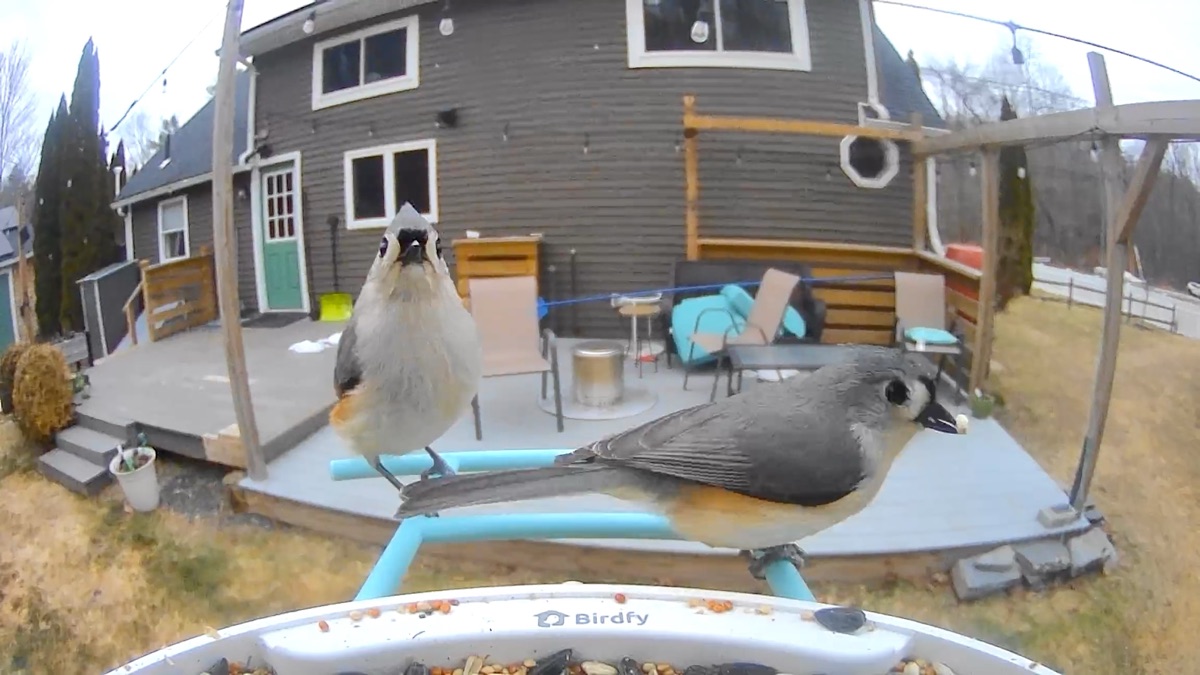
Centered block
Float left
Text wraps around the right side of a left-floated image. The image height is snapped to a multiple of the text line-height so text flows cleanly underneath without partial-line gaps. This uses object-fit: cover with a calculated height based on the baseline grid. At mobile widths, all floated images collapse to full width.
Float right
Right floats mirror the left variant. Text wraps on the left side. Good for balancing a page that already uses a left float, or when the image subject faces into the text. The float margin keeps the image flush with the content edge while giving prose room to breathe.
All images are clickable — tap or click to open a lightbox. Press Escape or click outside to close. Keyboard users: Tab to an image, press Enter to open, Escape to close (focus returns to the image).
Code blocks
Fenced code blocks get syntax highlighting via Prism with the Zen theme palette. Several optional features are available.
Basic code block
A plain fenced code block with a language specified:
def greet(name: str) -> str:
    """Return a warm greeting."""
    return f"Hello, {name}! Welcome to Low Gravitas."

print(greet("world"))
The language label appears automatically in the top-left. Hover over any code block to reveal the Copy button in the top-right.
Code block with title
Use an HTML comment before the fence to add a title (shown instead of the language label):
from typing import Generator

def fibonacci(n: int) -> Generator[int, None, None]:
    """Yield the first n Fibonacci numbers."""
    a, b = 0, 1
    for _ in range(n):
        yield a
        a, b = b, a + b
Code block with line numbers
async function fetchTheme(name) {
  const res = await fetch(`/api/themes/${name}`);
  if (!res.ok) throw new Error(`Theme not found: ${name}`);
  const { palette, metadata } = await res.json();
  return { palette, metadata };
}

const { palette } = await fetchTheme('low-gravitas-zen');
console.log(`Loaded ${Object.keys(palette).length} color tokens`);
Code block with highlighted lines
export default {
  dir: { input: 'src', output: '_site' },
  pathPrefix: '/blog/',
  templateFormats: ['njk', 'md', 'html'],
  markdownTemplateEngine: 'njk',
  htmlTemplateEngine: 'njk',
  dataTemplateEngine: 'njk',
};
Code block without language label
This is a plain text block with no language label.
Useful for terminal output or other unlabeled content.
Code meta options reference
Place an HTML comment directly before the code fence:
<!-- code-meta: {"title": "filename.py", "lineNumbers": true, "highlight": "1,3-5", "noLang": true} -->All fields are optional:
title— displayed in place of the language labellineNumbers—trueto show line numbershighlight— comma-separated line numbers or ranges (e.g.,"1,3-5,8")noLang—trueto hide the language label entirely
Inline formatting
Standard markdown formatting: bold text, italic text, strikethrough, and inline code with a green tint. Links look like this and have an underline offset for readability.
Blockquotes use a left accent border and dimmed italic text. Good for callouts, quotes, or asides.
Horizontal rules separate sections:
Lists
Unordered lists:
- First item with enough text to show wrapping behavior on narrower screens
- Second item
- Third item with a nested list:
- Nested item one
- Nested item two
Ordered lists:
- First step
- Second step
- Third step
Draft posts
Add draft: true to frontmatter to mark a post as a draft:
---
title: My draft post
draft: true
---
Drafts are visible when running npm run dev locally (with a yellow “DRAFT” badge on the index). They are excluded from production builds (npm run build) and won’t appear on the deployed site.
Local development
Run the blog locally:
npm run dev     # Start dev server with hot reload (drafts visible)
npm run build   # Production build (drafts excluded)
The dev server runs at http://localhost:8080/blog/ with live reload on file changes.